Workflow Tool Veo
Snack & Beverage Ad Automation – Bulk Ad Videos From One Product Photo
Workflow that mass-produces ad images and videos for snacks, confectionery and drinks — upload a product photo, fill in the details, and it builds the scenes, renders them through Omni Flash & Veo on Flow, then stitches the finished clip. Buy once, use forever.
Product description
A workflow that automatically produces ad images and videos for food products — built for snacks, confectionery, drinks and packaged goods.
It generates many images and videos at once through Omni Flash and Veo on Flow, which cuts production time for ad content dramatically. Suited to online sellers, TikTok Shop, Shopee, Facebook Reels and anyone producing ad creative at volume.
Requirements
- A Google AI Pro or Google AI Ultra account is needed to generate video.
- On Google AI Ultra, some supported models may generate video without spending credits, depending on Google's policy at the time.
How to use
Step 1 — Upload the product photo
Upload the photo of the product you want to advertise. A sharp, front-facing shot on a simple background gives the system the best chance of reading the product correctly.
Step 2 — Fill in the product details
Enter the product name, standout features, flavour, ingredients, target customer, ad message and the video style you want. The more complete this is, the closer the output stays to the real product.
Step 3 — Add scene reference images (optional)
Upload reference images so the system understands the setting, style and camera angle — a dining table, a convenience store, a supermarket, a living room, a picnic.
Step 4 — Set the video count and thread count
Set the number of scenes, how many videos to produce, and how many run concurrently. The workflow handles several tasks at once, so bulk output arrives faster.
Step 5 — Write a prompt per scene (optional)
Describe the character's action, the product movement, camera angle, lighting, setting, effects and style. Leave it blank and the system writes the scene itself from the product details.
Step 6 — Set up the script
Reviews
No reviews yet for this product.
Sign in to submit a review.
Related products
🎬Workflow
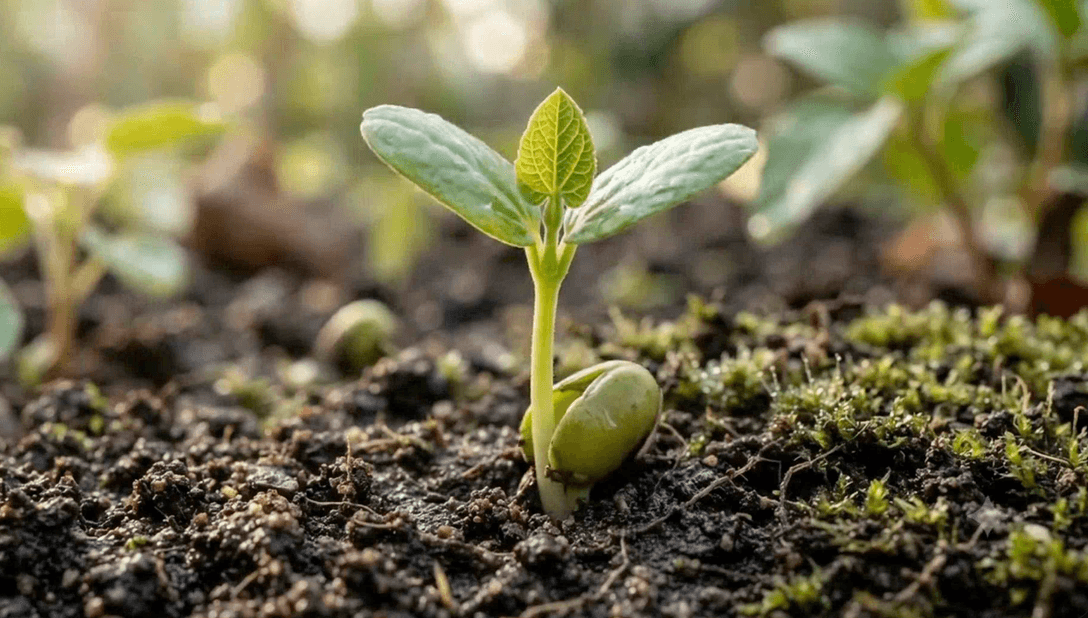
Plant Growth Timelapse – Fast-Forward Your Plants' Growth With Just a Few Clicks
Workflow that automatically creates time-lapse videos of plants growing — enter the plant's name, build the journey, generate images & videos in bulk, then stitch them into a long clip with just a few clicks. Supports Omni Flash & Veo 3.1 Lite. Buy once, use forever.
$15.00

🎬Workflow
Wildlife Video Automation – Create Full Wildlife Videos With Just 1 Click
Workflow that automatically creates long wildlife videos with just 1 click — builds the script, splits it into scenes, generates them in bulk & stitches them into a complete video. Supports Omni Flash & Veo 3.1 Lite. Buy once, use forever.